Does Instagram Notify When You Screenshot a Story?
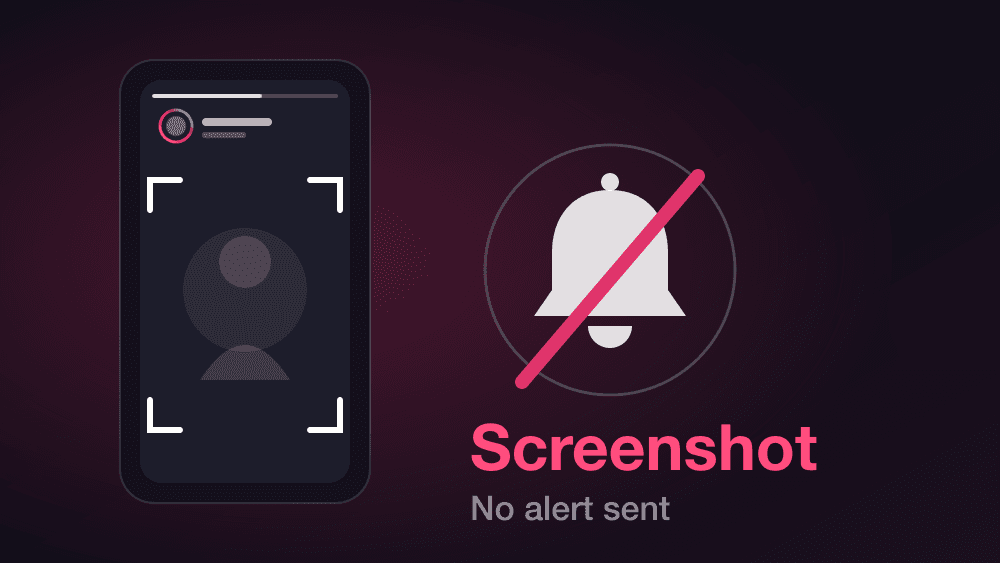
Short answer: no. Instagram does not notify anyone when you screenshot their story, a post or a reel. The one exception is disappearing photos and videos sent in a chat: there, Instagram's Help Center says the sender sees a "Screenshot" status next to the message.
What the story owner does see, always, is that you opened it. Your username goes on their viewer list the moment you tap, and no screenshot is needed for that.
What Instagram tells the other person
| What you do | Do they get a notification? |
|---|---|
| Screenshot a story | No |
| Screenshot a post or a reel | No |
| Screenshot a profile or a follower list | No |
| Open a story while logged in | No alert, but your username is on their viewer list |
| Screenshot a disappearing photo or video in a chat | Yes: the sender sees a "Screenshot" status |
| Replay a disappearing photo or video in a chat | Yes: the sender sees a "Replayed" status |
The last two rows come from Instagram's own Help Center pages on disappearing photos and videos. The first rows reflect how Instagram behaves today and are not listed on a dedicated Help Center page: Instagram tested screenshot alerts for stories back in 2018, and regular stories have not had one since. We last checked this in November 2026. Instagram can change it without announcement, so if the stakes are high, test it between two of your own accounts first.
Why people think it does
The confusion is understandable, and it comes from three real things:
- Snapchat does it. Snapchat has alerted people about screenshots for years, so many assume every app works the same way.
- The 2018 test. Instagram experimented with story screenshot alerts for a short period. Articles about it are still all over search results, which makes the question look unresolved.
- Disappearing messages are different. In a chat, a photo or video sent as "view once" or "allow replay" does trigger a status for the sender. People mix that up with stories.
What a story owner can actually see
Not being notified about a screenshot does not mean you are invisible. Opening a story from a logged-in account is recorded.
- Your username appears on the viewer list. It shows up within seconds and stays available to the owner, even after the story expires, through their archive.
- They cannot see when you opened it. The list shows who, not when and not how many times.
- They cannot see whether you screenshotted it. The list is the same whether you took a picture of the screen or not.
If the real question is "can I look at this story without being on the list", that is a different problem, and we break down what actually works in our guide to watching an Instagram story anonymously.
Check any public account's stories anonymously →
Things that do notify the other person
Since screenshots are not on the list, here is what does leave a trace:
- Following someone or requesting to follow a private account.
- Liking or commenting, including a like you remove right after.
- Replying to a story, which lands in their messages.
- Opening a story while logged in, as covered above.
- Replaying or screenshotting a disappearing photo or video in a chat.
What does not leave a trace: looking at a public profile, scrolling through someone's posts, or seeing who a public account follows. Instagram also has no profile visit counter, and no app can legitimately show you one.
What this does not cover
- Other apps. Snapchat, BeReal and others have their own screenshot rules.
- Private accounts. You can only screenshot a story you are already allowed to see. This is not a way around a private account.
- Respect for the other person. A screenshot with no notification is still a copy someone did not agree to share. Do not repost it or send it on without asking.
Frequently asked questions
Does Instagram notify you when someone screenshots your story?+
No. Instagram does not send any alert when someone screenshots a regular story. You can see who opened the story on your viewer list, but not who took a screenshot.
Does Instagram notify screenshots of posts or reels?+
No. Screenshots of feed posts, reels, profiles and follower lists are never reported to the account owner.
Does Instagram notify when you screenshot a chat message?+
Regular text messages: no. Disappearing photos and videos sent in a chat: yes, Instagram's Help Center says the sender sees a status such as Delivered, Opened, Replayed or Screenshot.
Can someone see that I viewed their story even without a screenshot?+
Yes. Opening a story from a logged-in account puts your username on the owner's viewer list. A screenshot does not change what they see there.
Did Instagram ever notify screenshots of stories?+
Instagram tested screenshot alerts for stories in 2018, but regular stories do not have them today. The alert for disappearing photos and videos in chats is a separate feature.
How can I watch a story without appearing on the viewer list?+
Not from a logged-in account. A viewer that works on public accounts without any Instagram login does not create a viewer entry, because there is no account to attach the view to.
See a public story without leaving your name. Check any public Instagram account's active stories in seconds: no login, no app, no entry on their viewer list.